
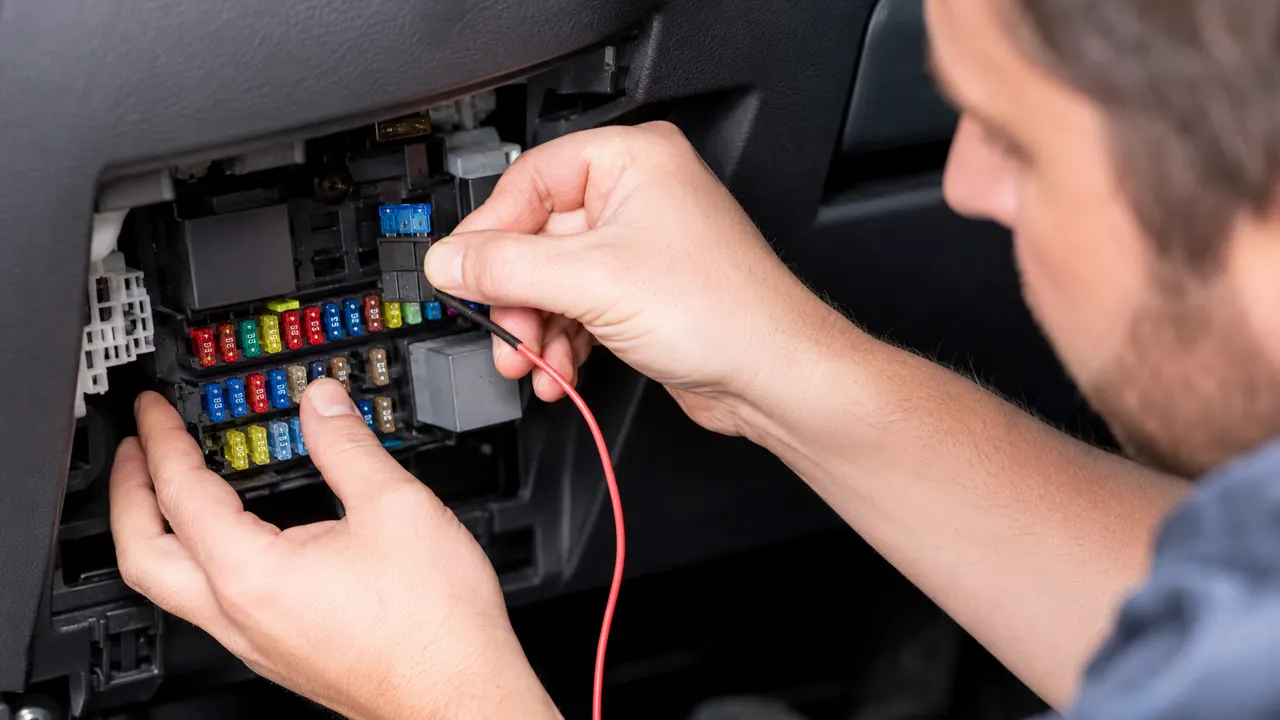
A fuse tap, also called an add-a-circuit fuse holder, allows you to add a new accessory circuit to a vehicle fuse box without cutting the original wiring. It is widely used for dash cam hardwire kits, LED lighting, GPS trackers, USB chargers, and other 12V accessories.
What Is a Fuse Tap?
A fuse tap connects to an existing fuse slot and provides an additional fused power output. It keeps the original circuit protected while adding a separate fuse for the new accessory.
Common fuse tap types include:
- Micro2 fuse tap
- Mini fuse tap
- Low-profile mini fuse tap
- Standard blade fuse tap
- ATO/ATC fuse tap
Step 1: Choose the Correct Fuse Tap Type
Before installation, check the vehicle fuse box and identify the fuse type. Using the wrong fuse tap may cause poor contact or unstable power supply.
Step 2: Select the Right Fuse Slot
Choose a fuse slot based on the accessory requirement.
For dash cams, users usually choose ACC fuse slots for power only when the vehicle is on, or constant power fuse slots for parking mode.
Avoid critical safety systems such as airbags, ABS, ECU, or transmission control circuits.
Step 3: Test the Fuse Slot
Use a digital circuit tester to check whether the fuse slot is constant power or switched ACC power. This step is important before installing any accessory.
Step 4: Install the Fuse Tap Correctly
Remove the original fuse and insert it into the lower fuse position of the fuse tap. Insert the accessory fuse into the second slot. Then plug the fuse tap into the selected fuse box position.
Correct fuse orientation helps ensure proper circuit protection.
Step 5: Connect the Accessory Wire
Connect the output wire from the fuse tap to the accessory power wire. Use a proper crimp connector or heat shrink connector to ensure a secure connection.
Step 6: Ground the Accessory
Connect the ground wire to a clean metal ground point. A weak ground may cause the accessory to restart, flicker, or fail.
Final Check
Start the vehicle and test the accessory. Confirm that the accessory turns on and off as expected.
Conclusion
A fuse tap is a clean and professional solution for adding automotive accessories without damaging factory wiring. It is especially useful for dash cam installations, lighting upgrades, and low-current electronic accessories.
AutoVoltCore supplies fuse tap kits, dash cam hardwire kits, automotive fuse assortments, and wiring accessories for B2B customers, installers, and private-label brands.